SkyGIS Overview
Get familiar with SkyGIS and all of the basic concepts.
Written By Actegon
Last updated 7 months ago
Hey, welcome! 👋
SkyGIS is a modern Point clouds, vector data, and imagery suite that helps inter-team communication, project delivery, data collection and verification.
This guide covers the basics to ensure you get the most out of SkyGIS.
P.S. Join our Discord community to discuss features, get community support, catch the latest updates, or simply take a moment to relax over a virtual cup of coffee. ☕
What SkyGIS helps you do
Browser-based viewer

SkyGIS runs entirely in the browser, so you can open point clouds, vectors, imagery, and CAD/BIM models without installing desktop software, managing plugins, or waiting on IT approvals. It works on Windows, Mac, Linux, and iPad in any modern browser—giving you the same project access whether you’re at your workstation, in a meeting, or on-site.
Because the viewer is cloud-native, you’re not limited by local storage or hardware in the same way as traditional workflows. Teams can load and inspect datasets ranging from megabytes to terabytes, interact with the scene, and move from “here’s the data” to “here’s what it means” faster—without the friction of exporting files or coordinating toolchains across stakeholders.
Attribute management
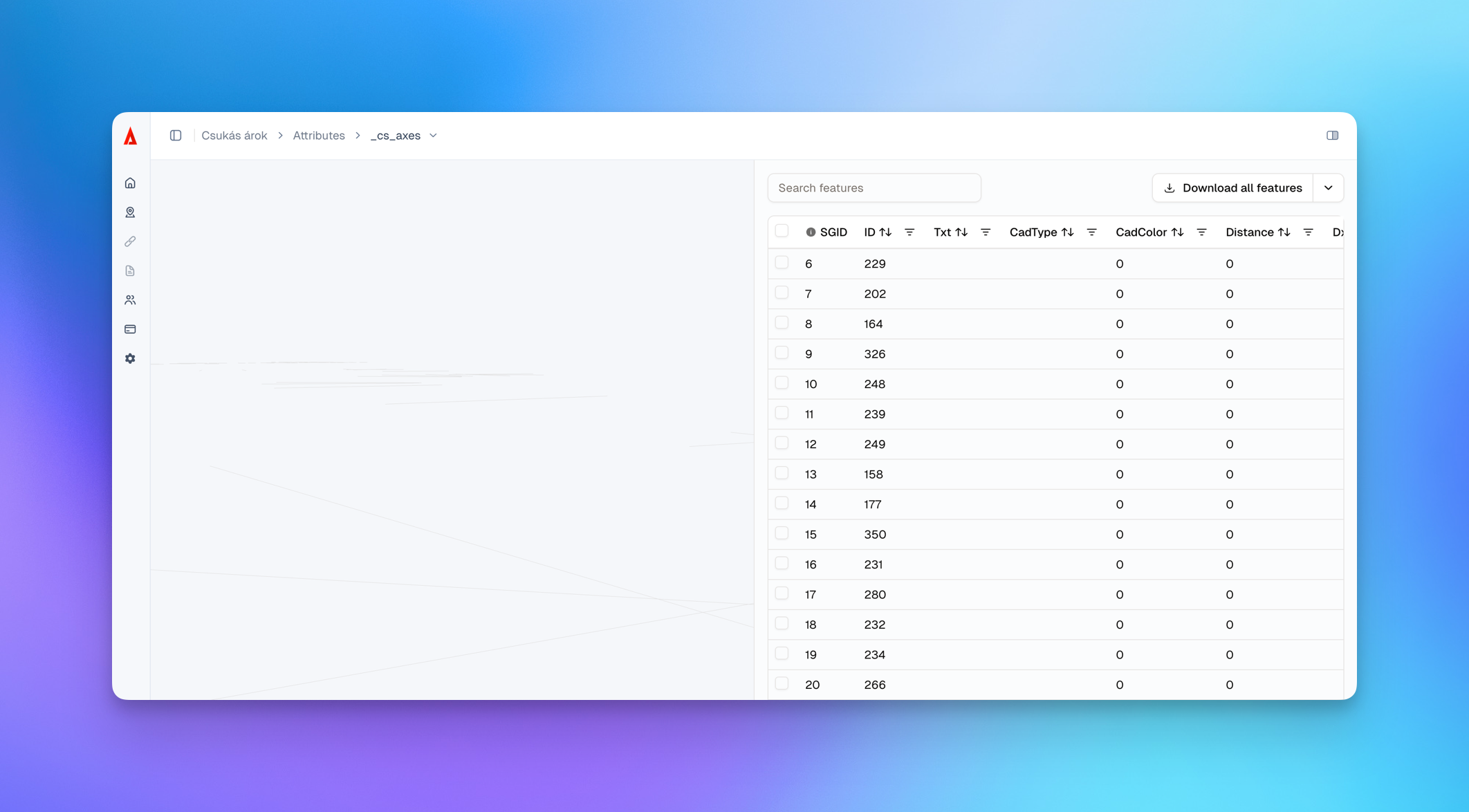
SkyGIS includes built-in attribute management so your datasets aren’t just “viewable”—they’re structured, searchable, and ready for collaboration. You can view, edit, and manage element attributes directly in the platform, making it easier to keep object metadata consistent across point clouds, vector layers, and related project elements.
Attributes also let you turn a visual scene into a usable project record. Attach files to objects (e.g., photos, reports, specifications), update properties per element, and keep key context next to the geometry—so field teams, reviewers, and stakeholders can understand what they’re looking at and why it matters without digging through separate folders or spreadsheets.
Project Sharing
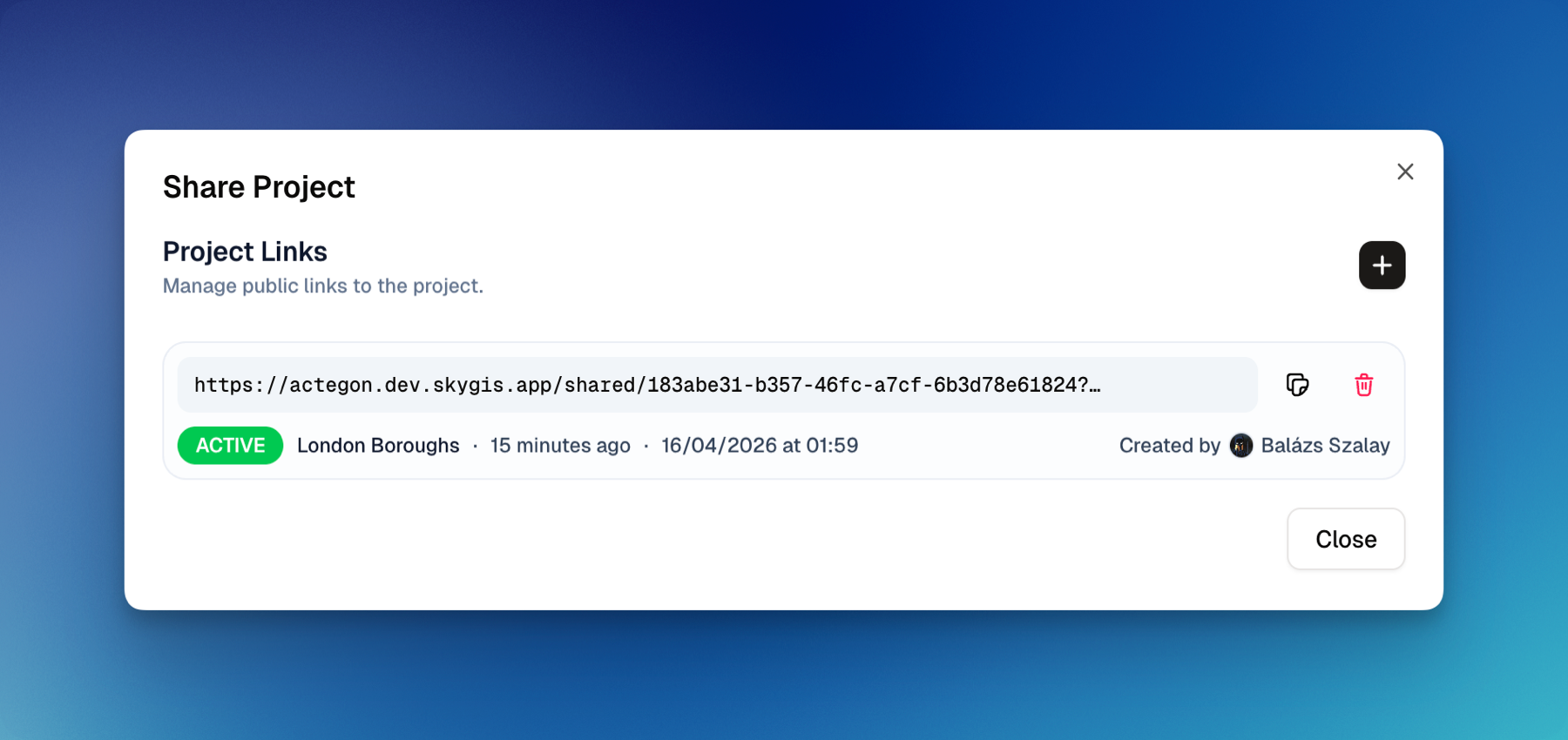
SkyGIS lets you share any project with external collaborators—clients, reviewers, construction teams, and other stakeholders—via a simple shareable link. Recipients can open the project instantly in their browser for a full interactive 3D experience, with no installs, plugins, or accounts required.
This removes the usual friction of sending massive datasets or coordinating software and hardware. Instead, everyone works from the same up-to-date project view, which speeds up reviews, reduces misunderstandings, and keeps communication clear across teams and devices.
Organizations / projects / roles

SkyGIS is structured around organizations and projects to keep data, access, and collaboration clean as you scale from a single user to larger teams. An organization acts as your workspace boundary (people, projects, and shared standards), while projects contain the actual datasets and context—so teams always know where the source of truth lives.
Access is managed through roles, so the right people can do the right work without overexposing sensitive data. Typical role patterns include admins who manage users and settings, members who upload/manage projects, and viewers/reviewers who need read-only access for coordination. This makes it easy to collaborate internally, share confidently with stakeholders, and maintain consistent governance as more users and projects are added.
Welcome
We're super happy to see you using SkyGIS.
We put our heart and soul into making this the best possible GIS suite and hope you find it as useful as we do! 💙
Was this helpful?
Still need help? Ask the team